

ProxiPace Browser Extension
Route Chrome or Edge through the residential, mobile, ISP, and datacenter proxies already connected to your ProxiPace account.
Install the current build
Until the Chrome Web Store listing is available, Chrome requires the extension to be loaded once through Developer mode.
- 1
Download and unzip
Download the extension package, then extract it to a permanent folder on your computer.
- 2
Open Extensions
Go to chrome://extensions in Chrome or edge://extensions in Edge and enable Developer mode.
- 3
Load the folder
Choose Load unpacked and select the extracted folder containing manifest.json.
- 4
Connect ProxiPace
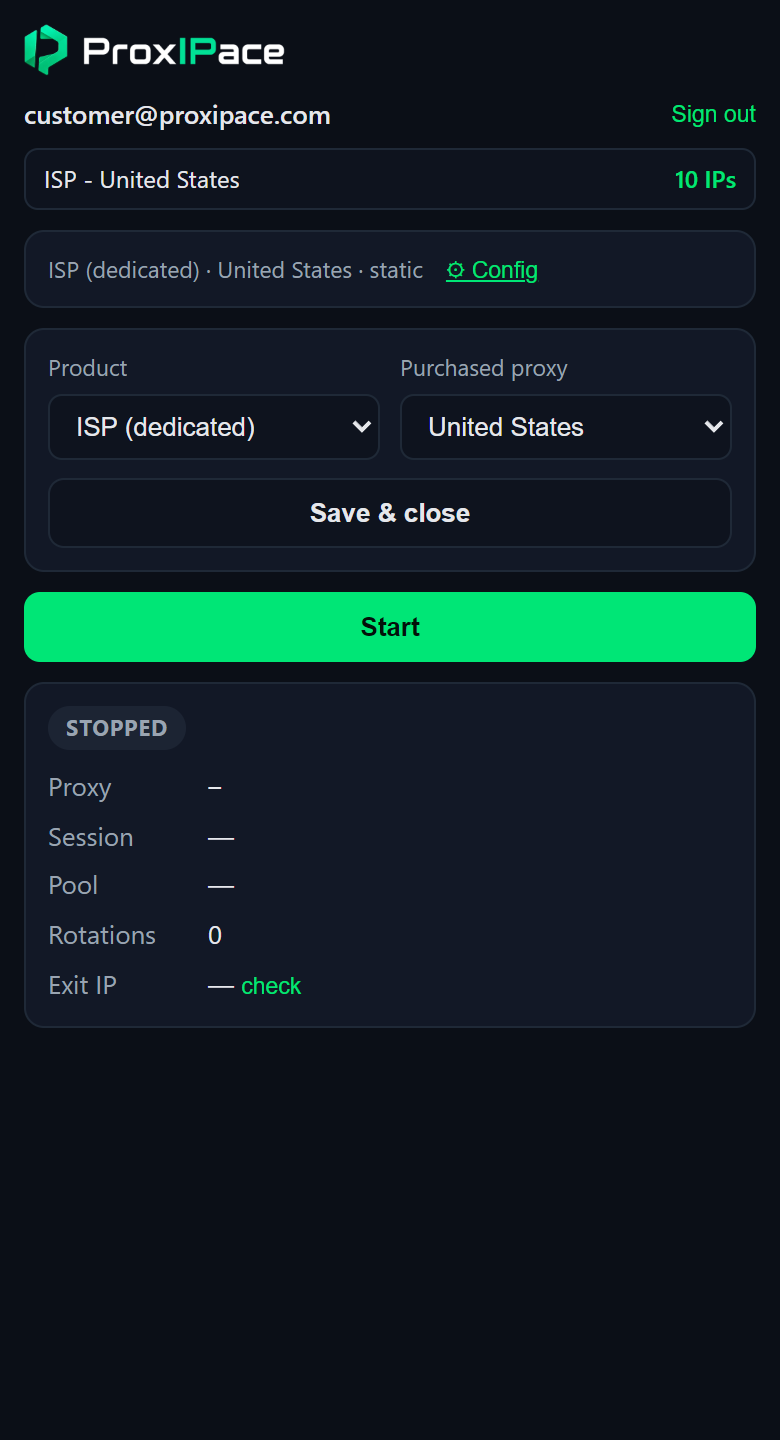
Open the extension, sign in, select a purchased proxy product, and press Start.
Designed around your ProxiPace account
Inspectability is normal for browser extensions. Access control remains on the server.
Account-bound access
The extension uses a revocable ProxiPace API key and can only use proxy access assigned to that account.
Merchant credentials stay private
Upstream merchant keys remain on ProxiPace servers and are never included in the extension package.
No page content scripts
The current build routes browser traffic and answers proxy authentication; it does not read or modify page content.